
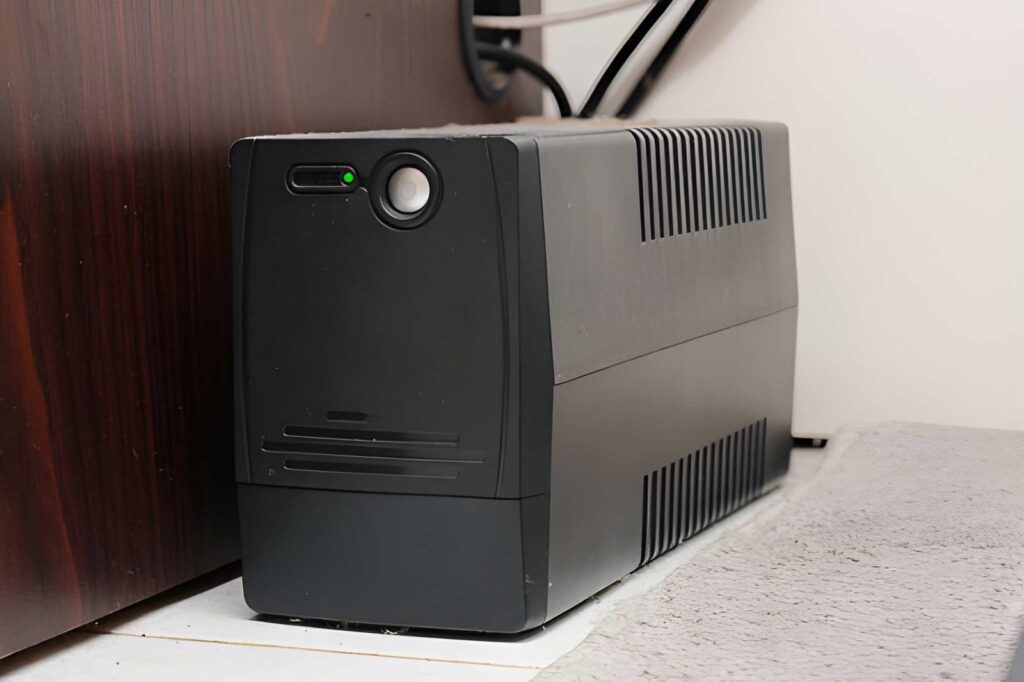
Power outages and voltage fluctuations are common in many parts of Pakistan, making a UPS (Uninterruptible Power Supply) an essential investment for both homes and offices. However, choosing the right UPS size can be confusing, especially if you’re unsure about your power requirements. Buying a UPS that is too small may not support all your essential devices, while an oversized unit can increase your overall costs without providing additional benefits.
So, how do you choose the right UPS size for your home or office in Pakistan? The answer starts with understanding your power needs and selecting a system that matches your daily usage.
Why UPS Size Matters
A UPS is designed to provide backup power during electricity outages and protect connected equipment from voltage fluctuations. However, its performance depends on selecting the correct capacity.
A properly sized UPS offers several advantages:
- Reliable backup during power failures
- Better protection for electronic devices
- Improved energy efficiency
- Longer battery life
- Lower maintenance costs over time
Choosing the right capacity ensures your investment delivers dependable performance whenever you need it.
List the Devices You Want to Power
The first step is to identify which appliances or equipment need backup power.
For a home, you may want to connect:
- LED lights
- Ceiling fans
- Wi-Fi router
- Television
- Desktop computer
For an office, the list may include:
- Desktop computers
- Laptops
- Printers
- Networking equipment
- CCTV systems
- Servers
Make a complete list before purchasing a UPS. This helps you avoid choosing a system that cannot handle your total load.
Calculate Your Total Power Requirement
Once you’ve listed your equipment, calculate the total wattage by adding the power consumption of each device.
For example:
- Two LED lights = 20W
- Two ceiling fans = 150W
- Wi-Fi router = 15W
- Desktop computer = 250W
Total Load = 435 Watts
It is always recommended to choose a UPS with additional capacity rather than selecting one that operates at its maximum limit. This allows room for future expansion and improves overall efficiency.
Consider Your Required Backup Time
UPS size is not only about the total load it also depends on how long you need backup power.
Ask yourself:
- Do you need backup for only 15–20 minutes?
- Do you need one or two hours of backup?
- Will the UPS support business operations until a generator starts?
Longer backup durations require larger battery capacity. Therefore, understanding your expected runtime is just as important as calculating your electrical load.
Think About Future Requirements
Many people buy a UPS based only on their current needs. However, additional equipment may be added later, such as extra computers, networking devices, or security systems.
Choosing a UPS with some spare capacity helps you avoid replacing the entire system in the near future.
Select the Right Battery Type
The battery plays a major role in the overall performance of a UPS system.
Many modern UPS solutions use VRLA Batteries because they are sealed, reliable, and suitable for continuous backup applications. They require minimal maintenance and offer dependable performance for residential and commercial environments.
Likewise, a Maintenance Free Battery is an excellent option for users who want reliable backup power without frequent servicing or water refilling. These batteries simplify maintenance while providing consistent performance.
Choose a Trusted UPS Brand
The quality of the UPS itself is just as important as the battery. A reliable brand offers better efficiency, improved safety features, and dependable after-sales support.
For businesses that require continuous power protection for servers, networking equipment, or sensitive electronics, an Eaton UPS is widely recognized for delivering stable performance and advanced power management capabilities.
Investing in a trusted brand often reduces the risk of unexpected downtime and costly equipment damage.
Avoid Common Mistakes
Many buyers make simple mistakes when purchasing a UPS. Avoid these common problems:
- Buying a UPS without calculating the total load
- Ignoring future expansion needs
- Choosing the cheapest option instead of the most suitable one
- Installing the UPS in hot or poorly ventilated areas
- Failing to perform regular maintenance
Taking the time to plan your purchase can save both money and frustration in the long run.
When Should You Upgrade Your UPS?
If your current UPS struggles to handle your connected devices, provides shorter backup times, or frequently overloads, it may be time for an upgrade.
Newer UPS systems offer improved efficiency, better battery management, and enhanced protection against voltage fluctuations. Upgrading before your existing system fails can help prevent costly interruptions to your home or business.
Final Thoughts
Choosing the right UPS size for your home or office in Pakistan doesn’t have to be complicated. Start by calculating your total power requirement, determine how long you need backup power, and select a quality UPS that allows room for future growth.
A properly sized UPS not only keeps your essential devices running during outages but also protects valuable equipment from unexpected power issues.
If you’re looking for reliable UPS systems, quality batteries, or complete power backup solutions, Voltica Enterprises offers dependable products and professional guidance to help you choose the right solution for your home, office, or industrial facility. With a wide range of power backup systems and experienced technical support, Voltica Enterprises is committed to delivering reliable and efficient power solutions across Pakistan.
